8 Expert Tips for Hosting a Virtual Event: Engagement, Technology, and Branded Merchandise
Why Virtual Event Hosting Skills Matter
Running a great virtual event requires a different skill set to in-person event management. The logistical challenges of venue setup and catering are replaced by technology reliability, digital engagement design, and the challenge of maintaining energy and connection through a screen. These eight tips draw on the experience of professional event organisers to help you host virtual events that attendees remember — and register for again.
Tip 1: Lock In Your Technology Stack Early
Your platform is your venue. Choose it at least six weeks before your event and spend time learning every feature you plan to use. Test your streaming setup, recording settings, breakout room configuration, and polling tools. Identify a technical backup plan for your most critical elements — particularly your audio and video feed.
Essential Equipment Checklist
Invest in a quality USB or XLR microphone, a webcam or mirrorless camera for presenters, and a stable wired internet connection. Poor audio is the number-one reason attendees disengage from virtual events. Good video is a bonus; great audio is essential.
Tip 2: Design a Run Sheet with Transitions Planned
A virtual event run sheet should include every session, every transition, every poll, every breakout room, and every technical handover — timed to the minute. Dead air kills virtual events faster than almost anything else. Plan your transitions explicitly and assign a host or MC to bridge each one with energy and purpose.

Tip 3: Rehearse With Every Speaker
Many presenters are experienced on a physical stage but inexperienced in front of a camera. Run a dedicated technical rehearsal with every speaker at least 48 hours before the event. Check their audio, lighting, background, and familiarity with the platform's presenter tools. This rehearsal time is an investment that pays off in professionalism on the day.
Tip 4: Build Interactivity Into Every Session
Passive viewing is the enemy of virtual event success. Use live polls, chat prompts, raise-hand features, and structured Q&A to keep attendees actively participating. A good rule of thumb: introduce an interactive element at least every 10 minutes. Shorter sessions with higher interactivity consistently outperform long, lecture-style presentations.
Tip 5: Send Branded Merchandise Kits Before the Event
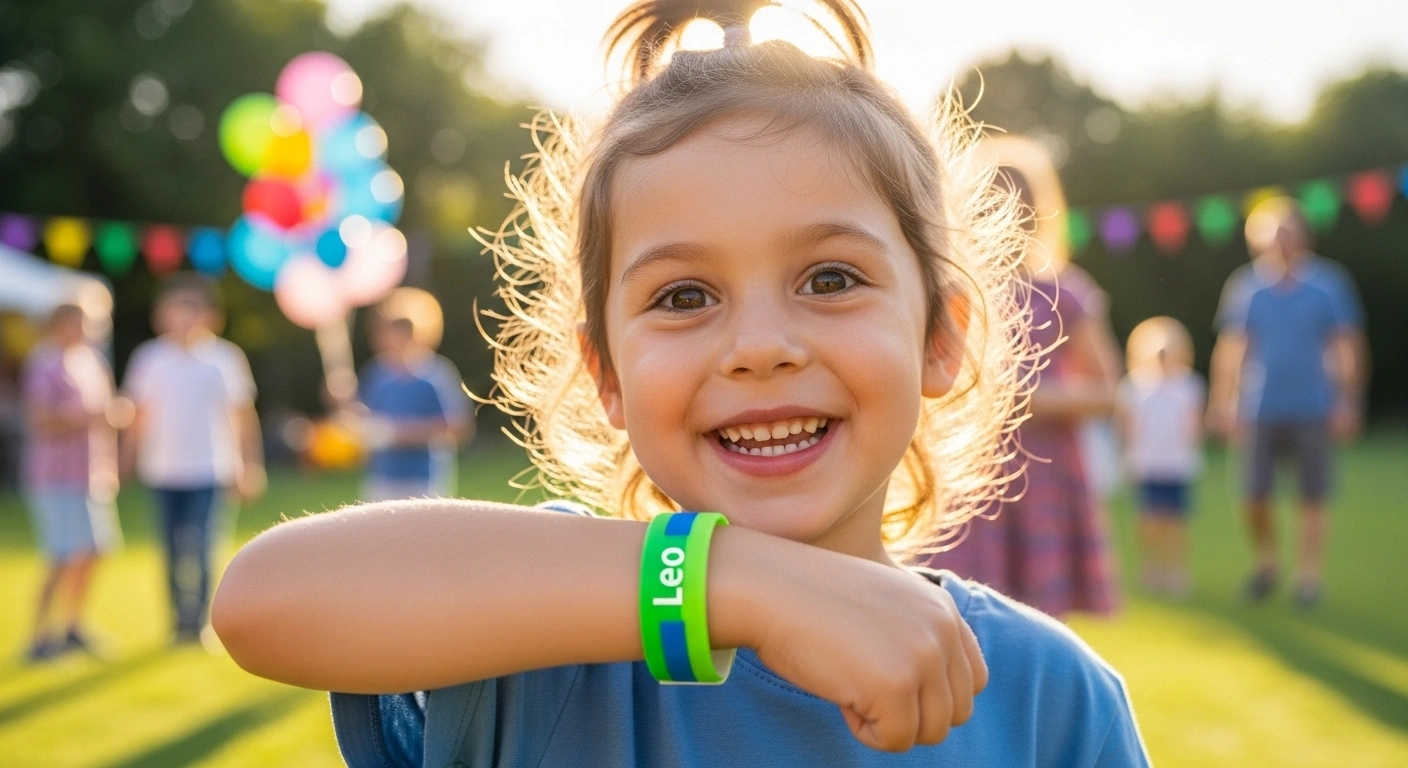
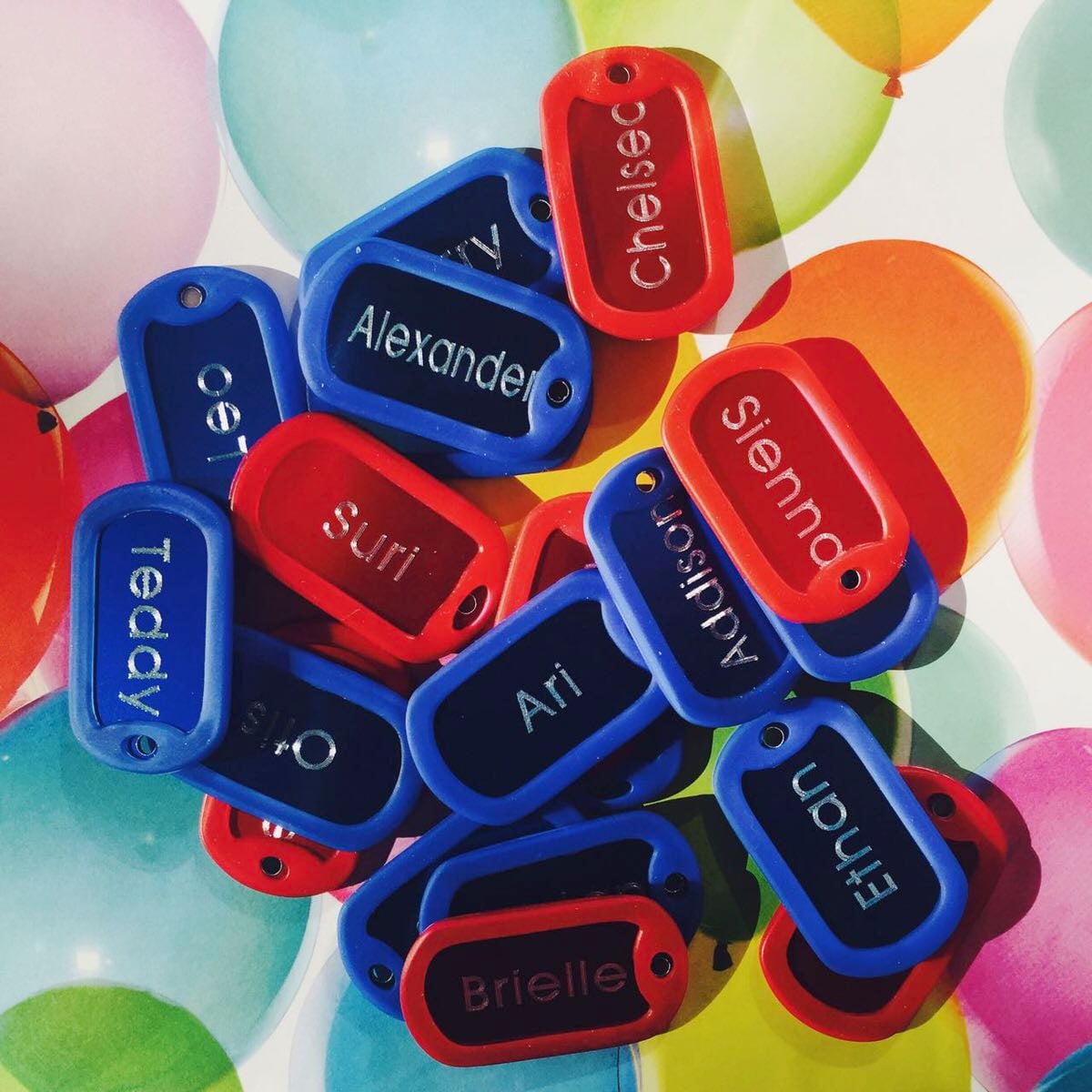
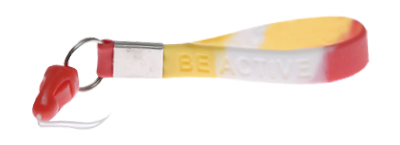
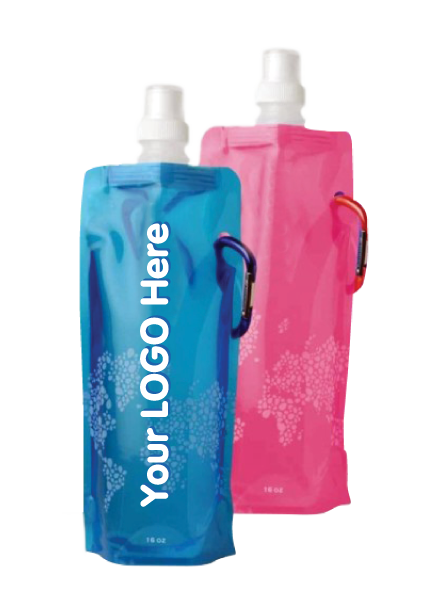
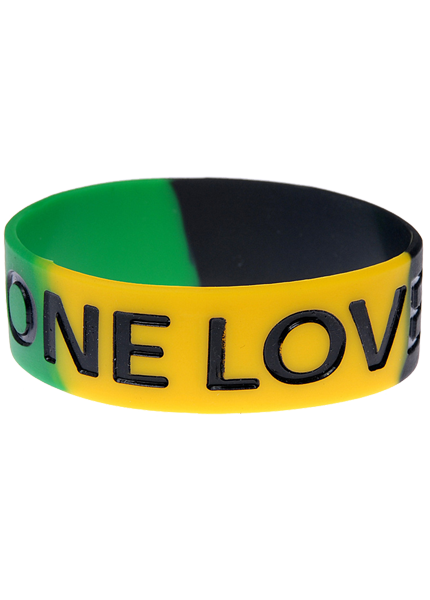
Physical branded merchandise creates a tangible connection between remote attendees and your event. A kit that arrives 3–5 days before the event gives attendees something to unbox, photograph, and share on social media — building pre-event excitement and organic reach. Include items that are event-relevant: a custom wristband they can wear during the session, a branded keychain or dog tag as a keepsake, and a small accessory that ties to your theme.
See our range of branded wristbands and custom keychains for virtual event kits.
Tip 6: Assign a Dedicated Online Moderator
Your MC or presenter should not be managing the chat, monitoring technical issues, and presenting at the same time. Assign a dedicated online moderator whose sole job is to watch the chat, surface great questions, manage breakout rooms, and handle any technical issues that arise during the event. This person is your silent safety net.
Tip 7: Use Gamification to Drive Participation
Gamification elements — leaderboards, scavenger hunts across your event platform, themed bingo cards, or trivia challenges — significantly increase engagement during longer virtual events. Prizes can be digital (gift cards) or physical (branded merchandise shipped post-event). Even small incentives create competitive energy that keeps attendees present and active throughout the day.
Tip 8: Follow Up With Personalised Post-Event Content
Virtual events generate rich attendance data. Use it. Send session recordings to attendees who missed specific sessions, follow up with resources related to topics each person engaged with most, and survey attendees within 24 hours while the event is fresh. The post-event period is when you convert event attendees into ongoing community members.
Ready to build branded merchandise kits for your next virtual event? Contact our team for help selecting products and quantities. You can also browse our full range of event wristbands and accessories online.
Frequently Asked Questions
How long should a virtual event session be?
Aim for 45–60 minutes per session with a 10–15 minute break between sessions. Shorter, more frequent sessions with higher interactivity consistently outperform long lectures in virtual environments.
What should I include in a virtual event merchandise kit?
Focus on compact, postal-friendly items: a custom wristband, a branded keychain or dog tag, a coffee cup band, and a personalised welcome note. Keep the kit lightweight to minimise shipping costs and maximise the chance of timely delivery.
How do I handle technical failures during a live virtual event?
Have a backup communication channel ready (e.g., email or text to attendees) with a holding message. Assign a technical lead who can troubleshoot independently while the MC keeps attendees informed. Always record as a backup so content is not lost.
How can I measure the success of a virtual event?
Track attendance rate, session completion rate, poll participation, chat message volume, post-event survey scores, and social media mentions. Compare these metrics across events to identify what formats and session types perform best for your audience.
April 12, 2026

Share on Facebook

Share on X

Share on Pinterest
Comment(s)
Recent Posts